¶ Preparation
Tools: Filter, waste ink bottle, syringe, white ink bottle.
¶ Operating Steps
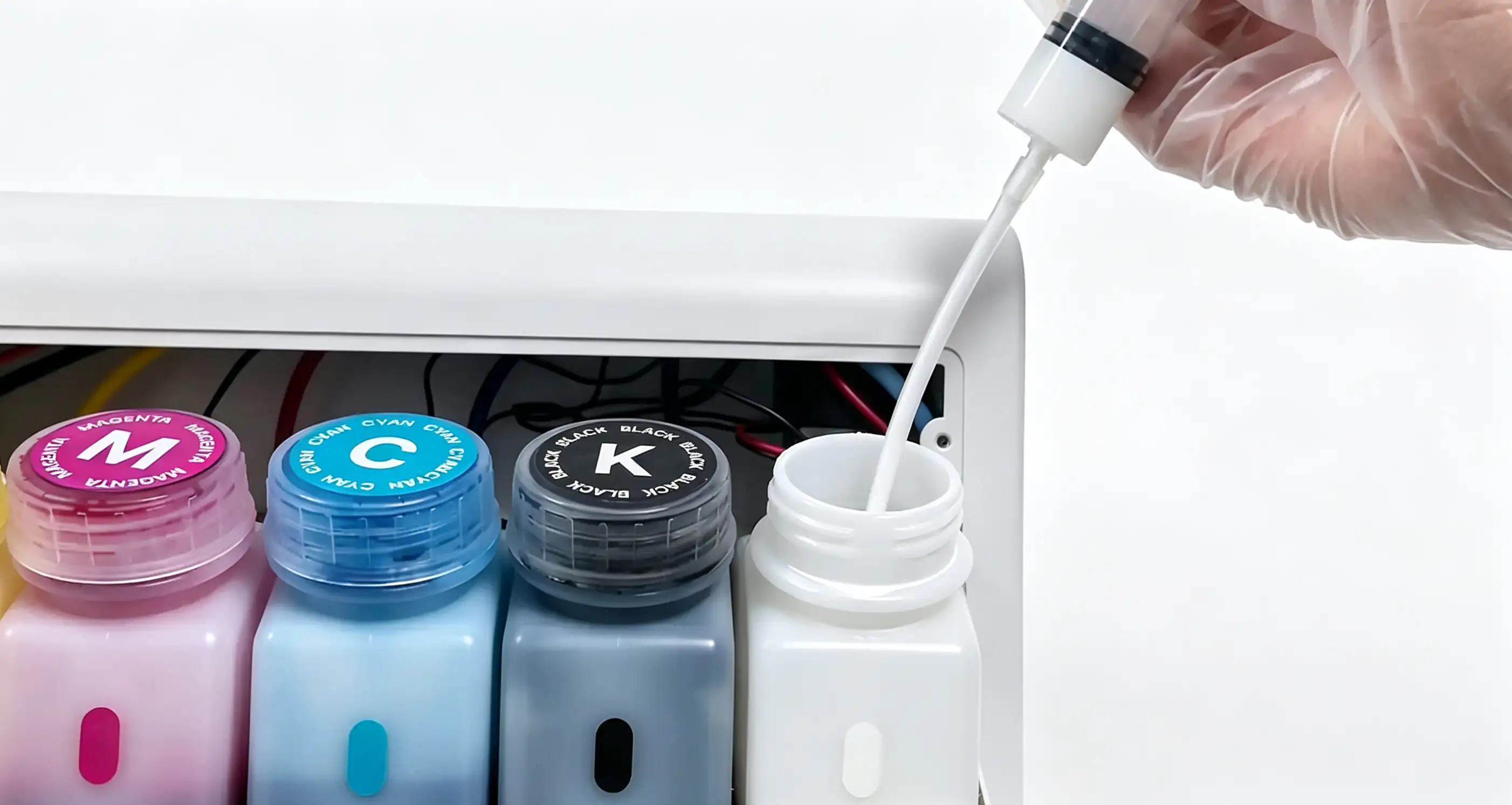
- Remove residual ink: Use a syringe to completely extract the remaining ink from the white ink bottle to prevent leakage during subsequent operations.
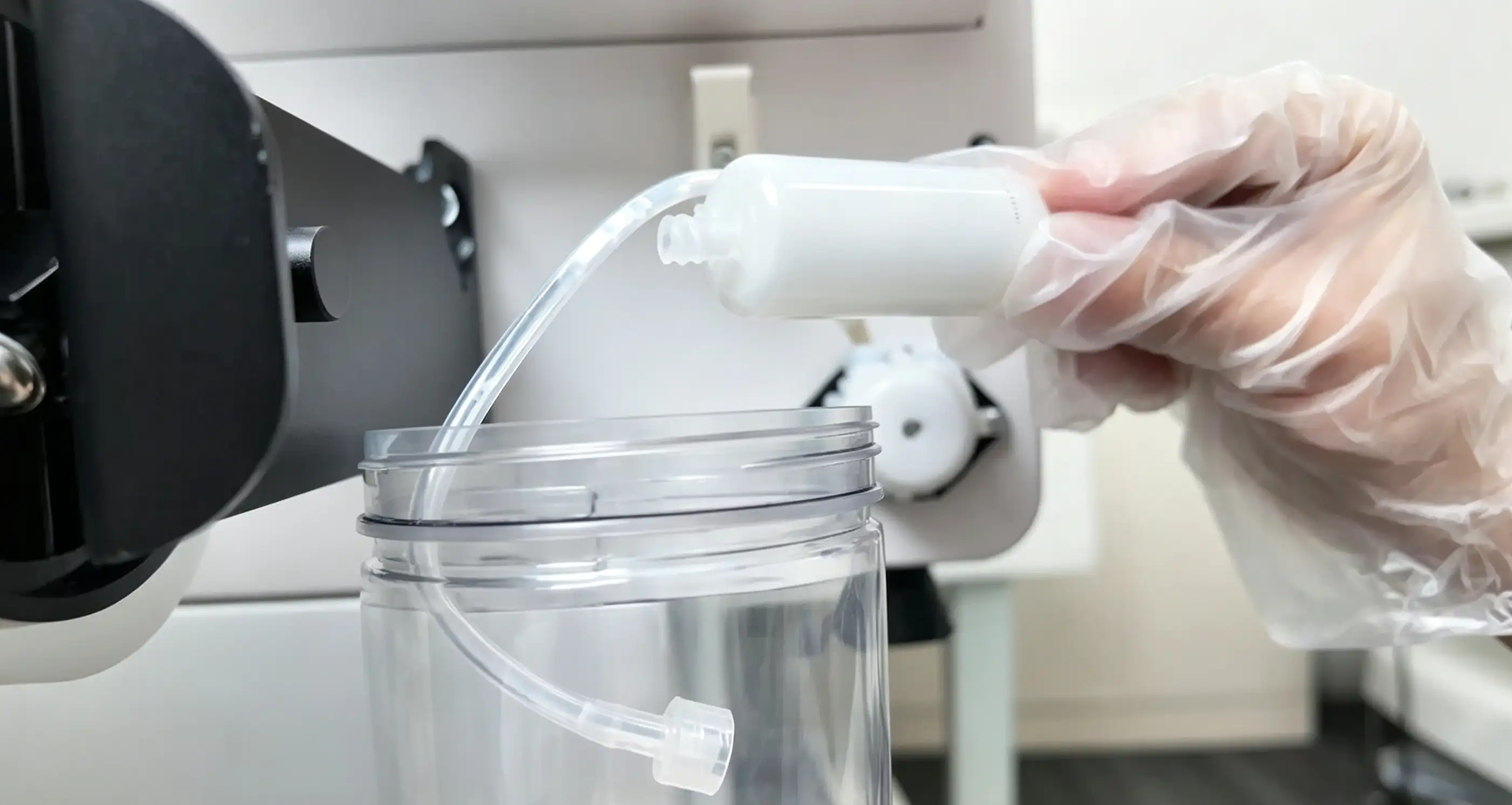
- Leak prevention: Before removing the connector, place the waste ink bottle directly beneath the filter to catch any dripping white ink.
Step 1: Turn off the device power
Step 2: Open the top protective cover
Step 3: Use a Phillips screwdriver to remove the panel cover in front of the sensor panel
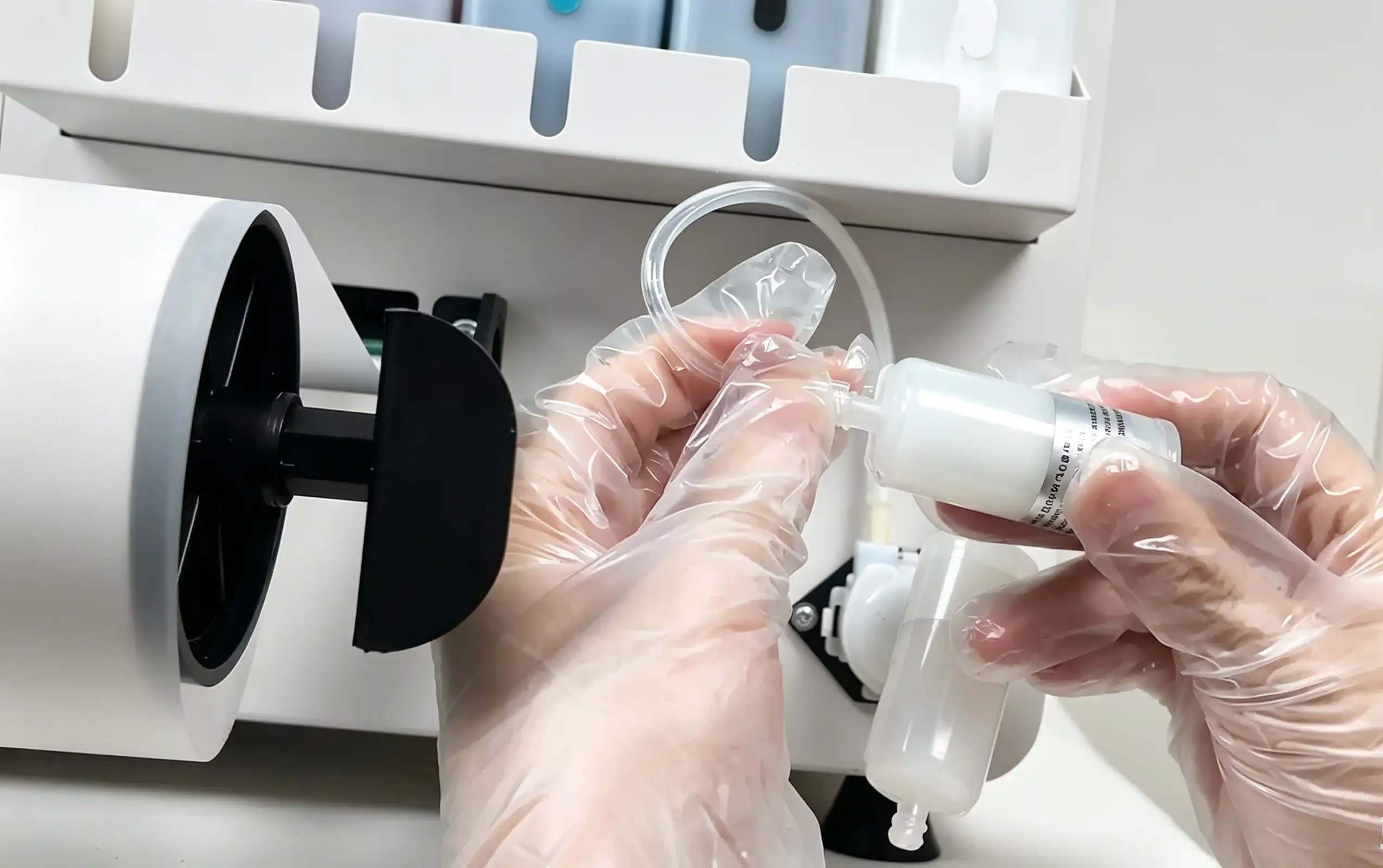
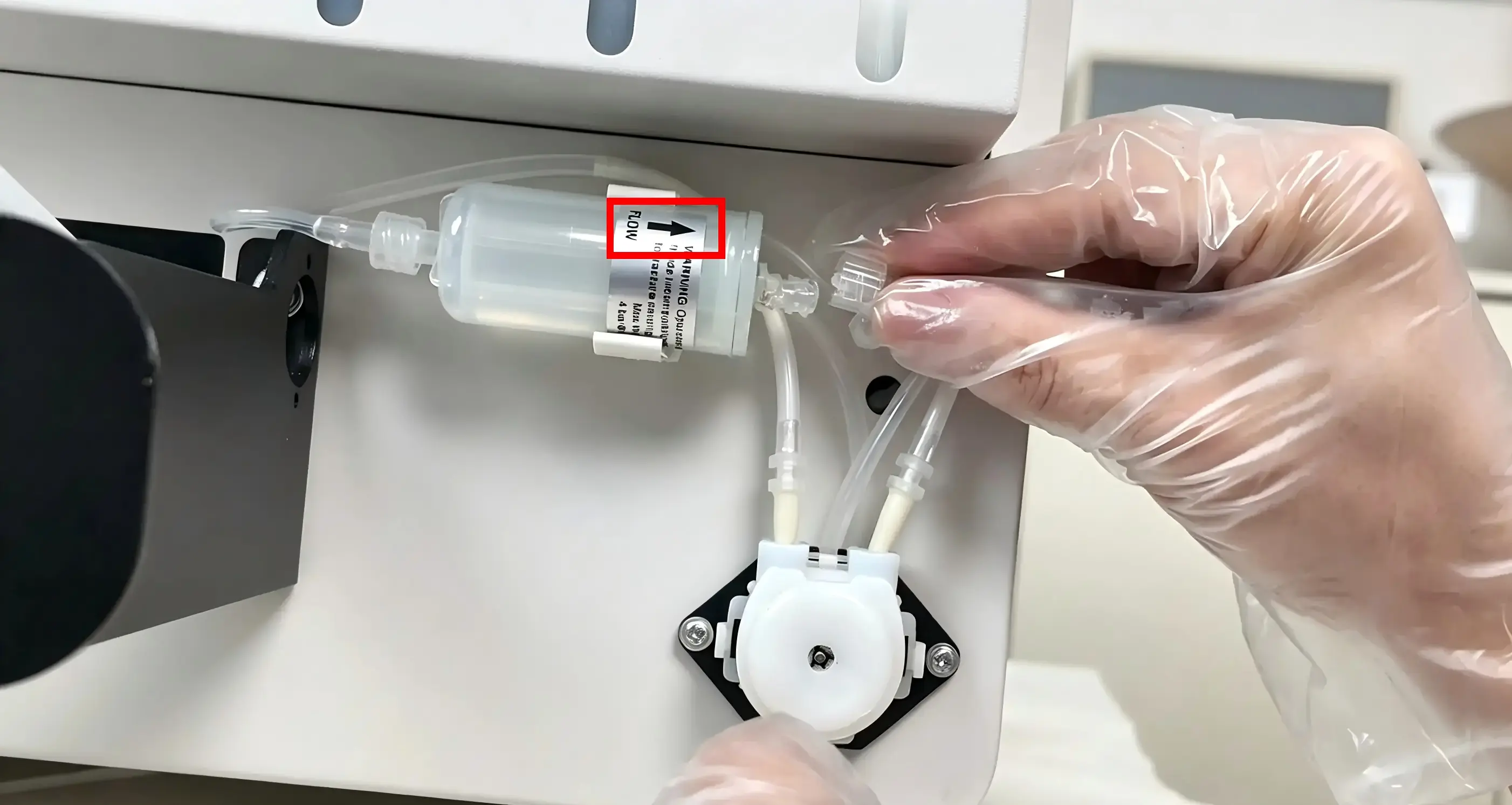
- Remove the left-side connector: Take the filter off the clip, unscrew the left-side connector, and reinstall it onto the left side of the new filter.
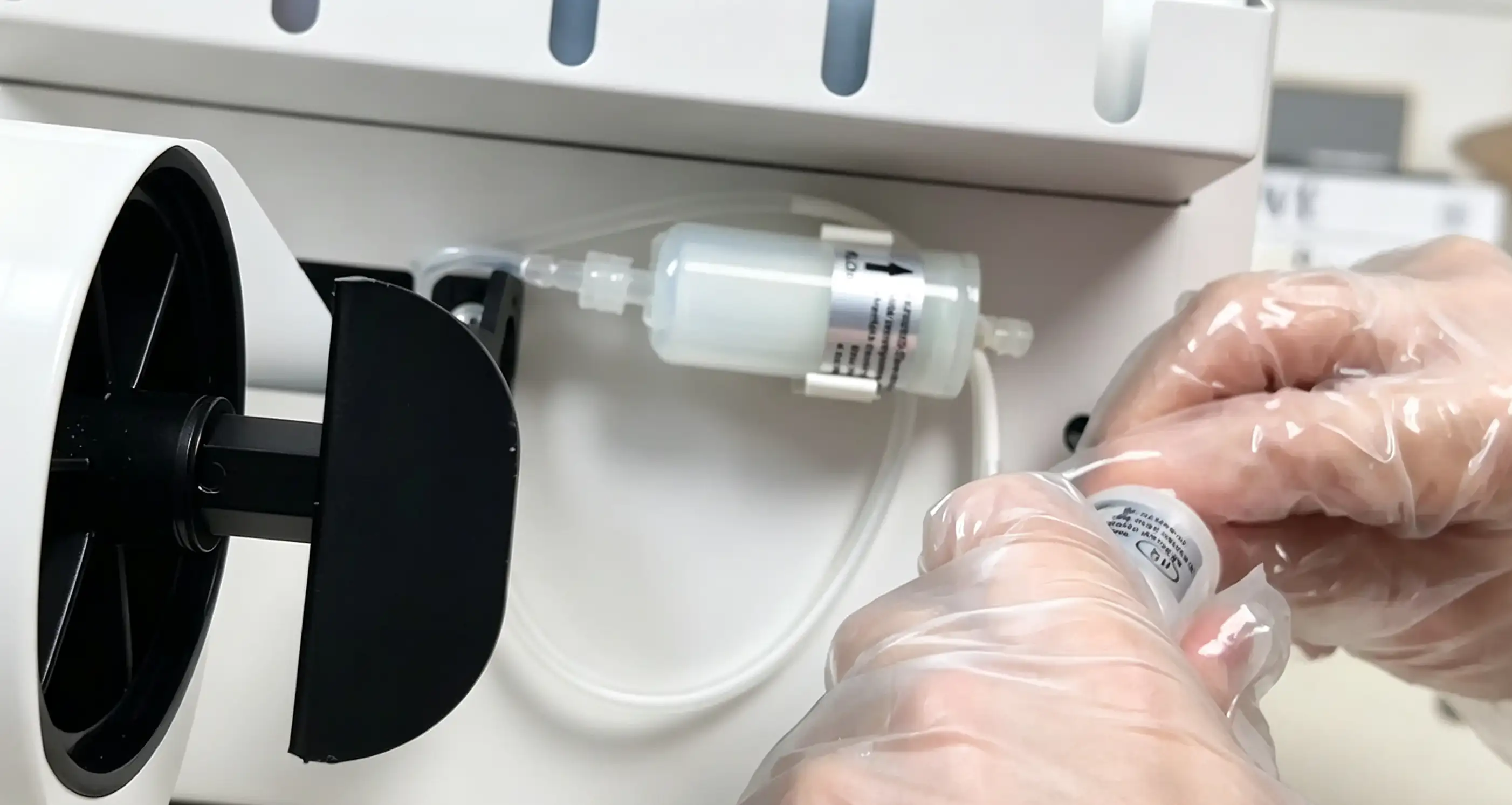
- Replace the filter: Reinstall the filter with the arrow pointing to the right, then attach the right-side connector to the new filter to complete the replacement.