¶ Preparation
Tools: Phillips screwdriver, new ink pad, lint-free cloth, PVC gloves.
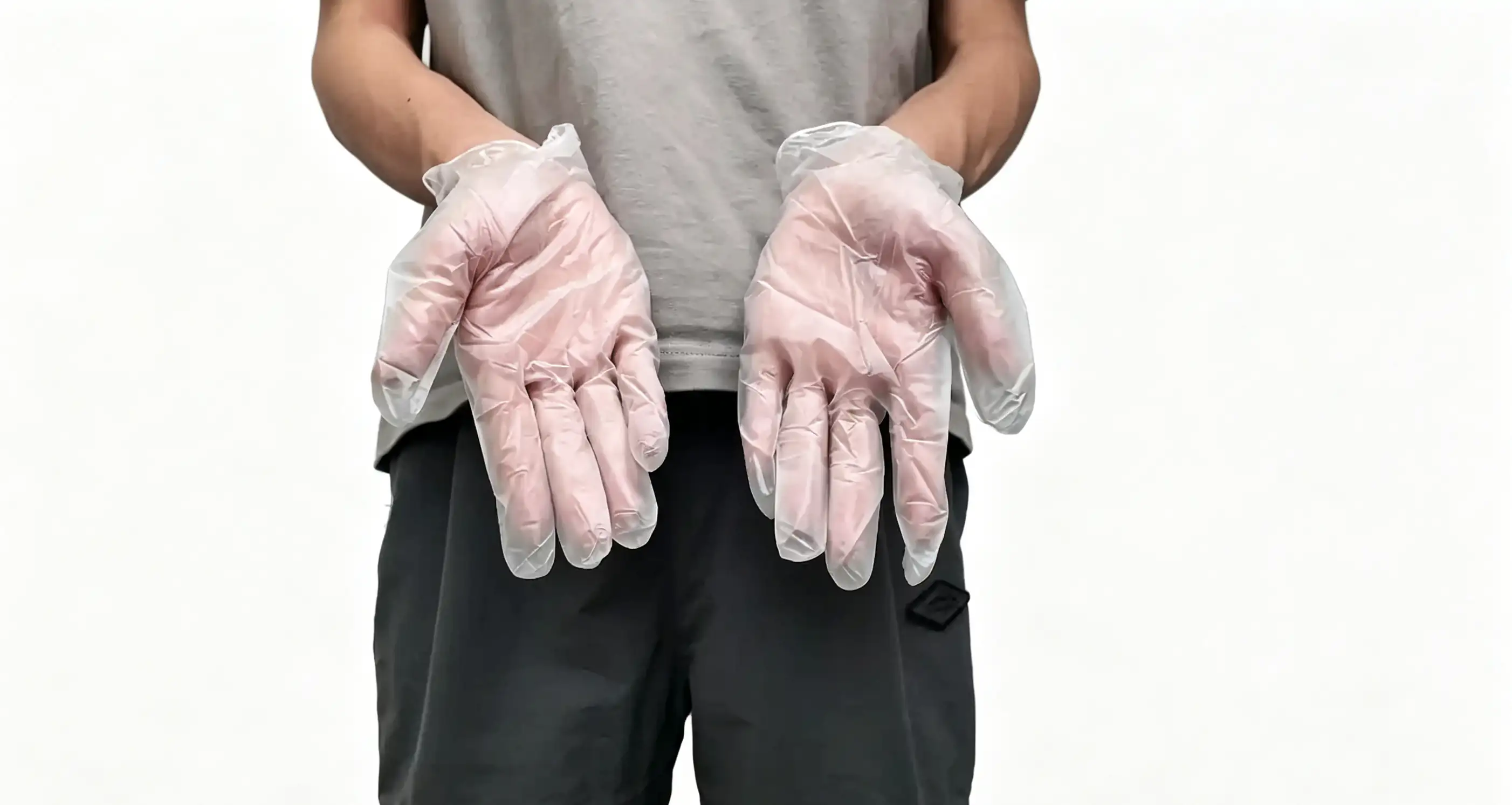
Safety Precautions: It is recommended to wear PVC gloves before operation to prevent ink from sticking to your hands.
¶ Operating Steps
¶ Remove the old ink pad
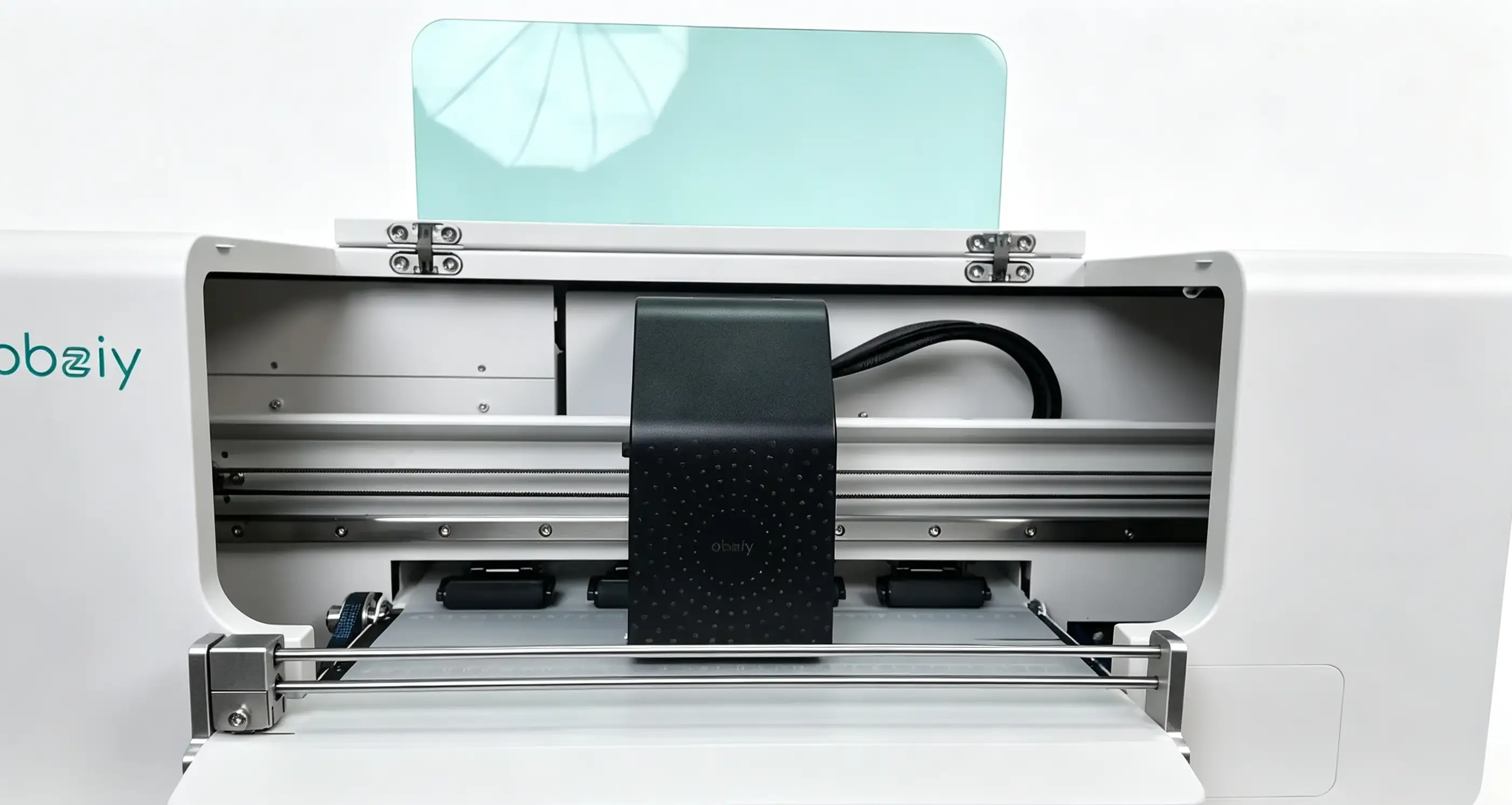
Step 1: Move the print head to the center
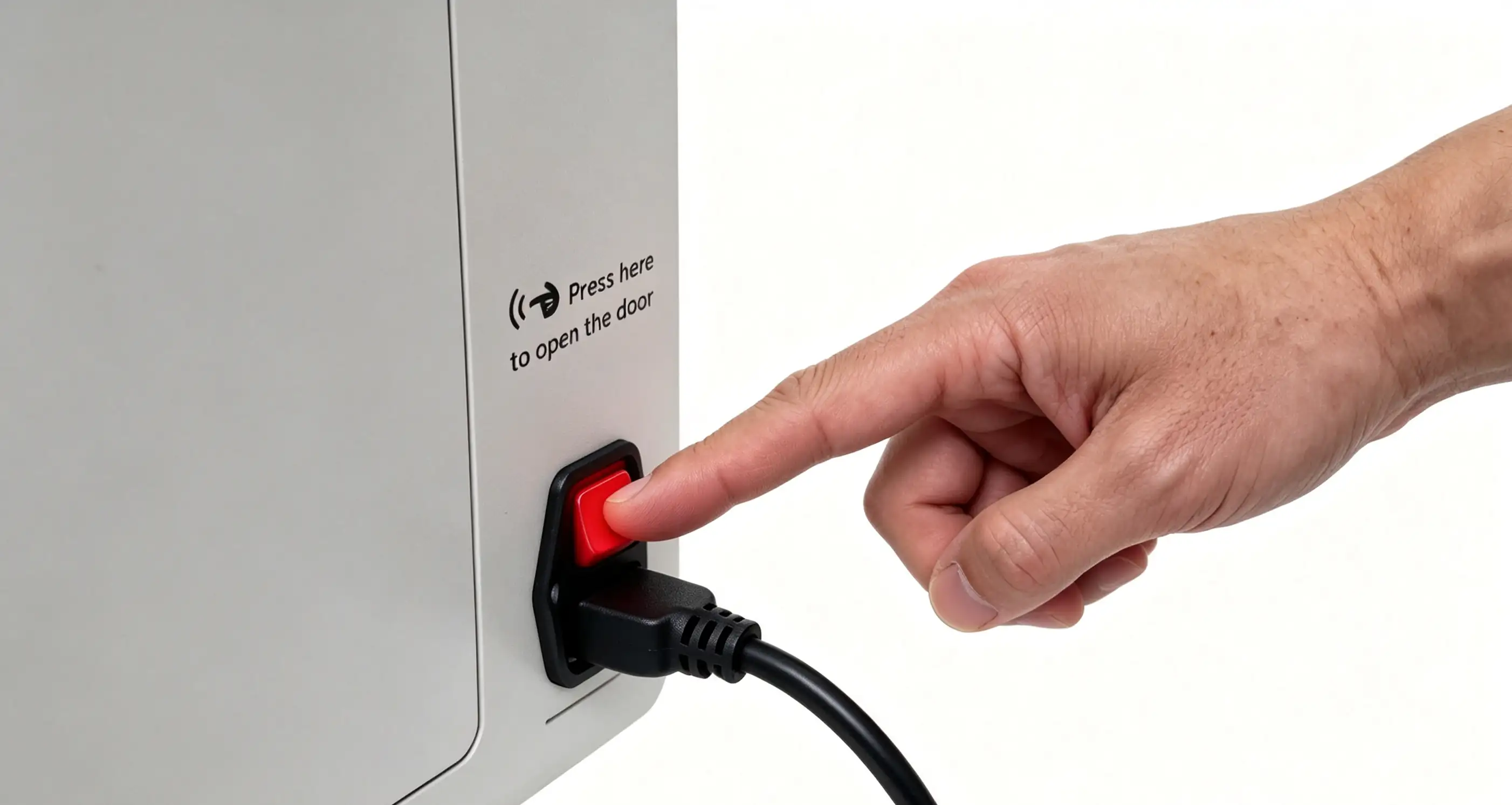
Step 2: Turn off the device power
-
Adjust position: First, move the print head to the center of the sliding rail, then disconnect the printer power supply to leave sufficient space for subsequent operations.
-
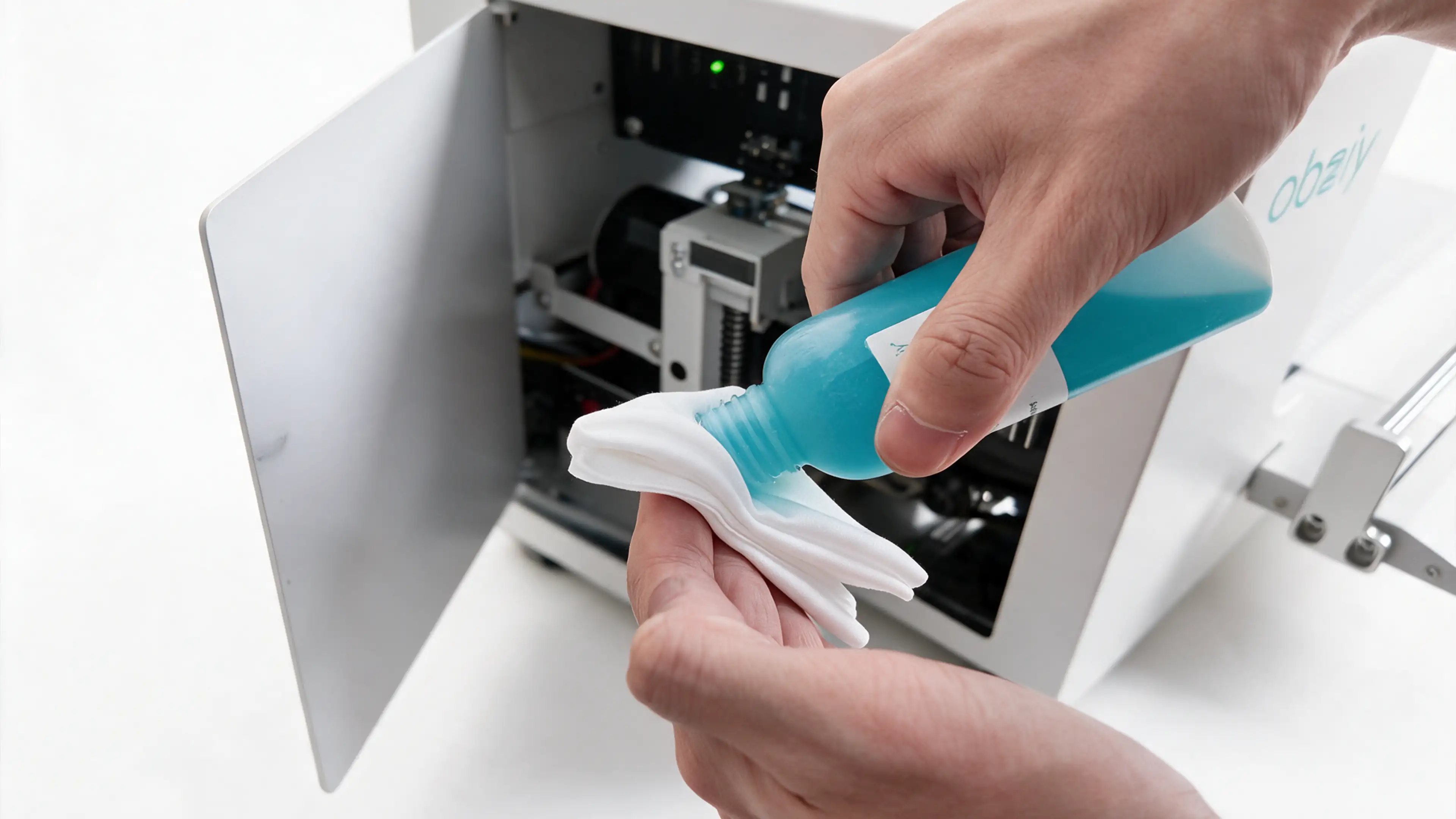
Ink pad cleaning: Wipe the old ink pad with a non-woven cloth to facilitate replacement and prevent dirt from contaminating other components.
-
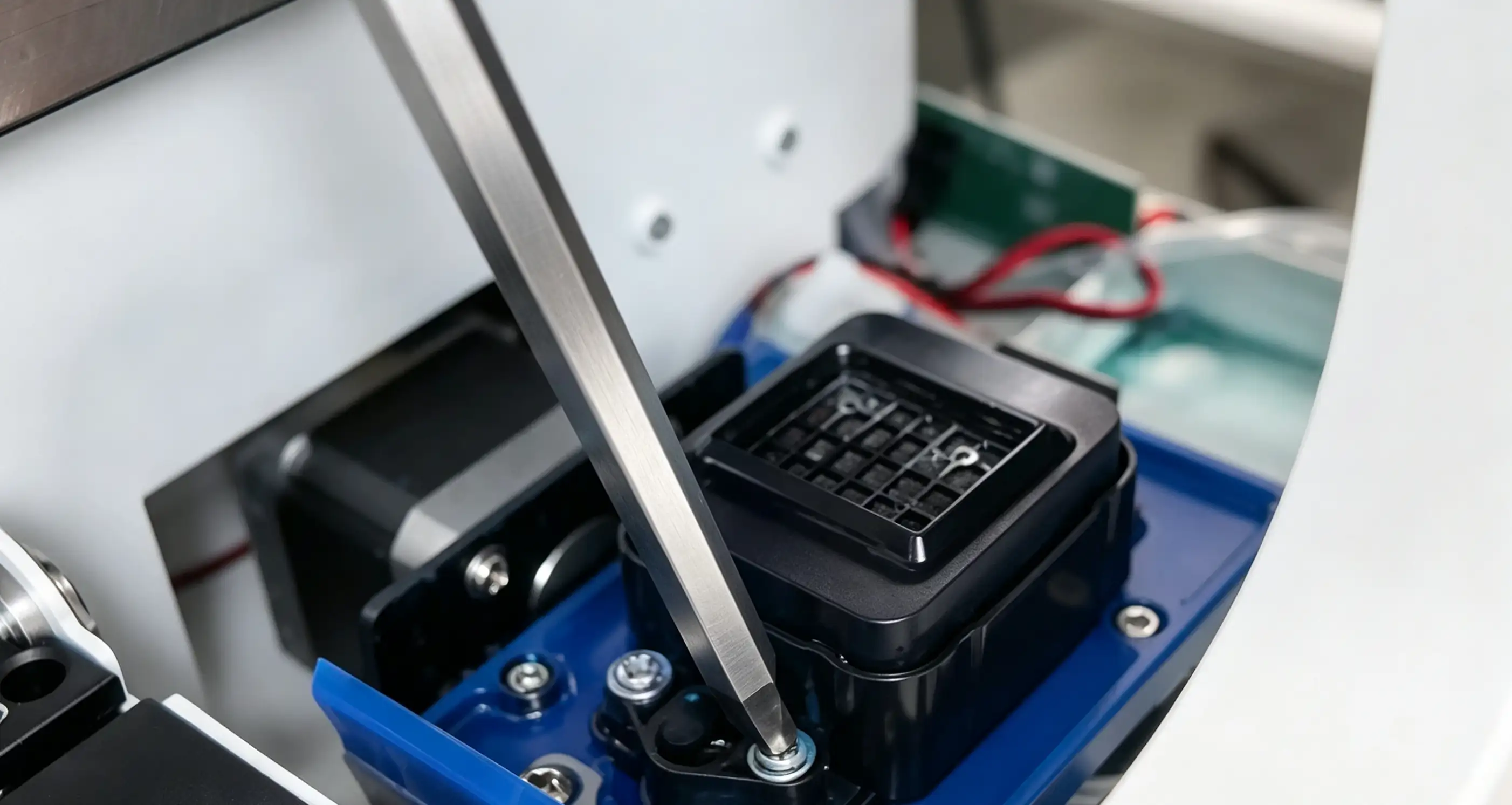
Use a Phillips screwdriver to remove the four screws securing the ink pad.
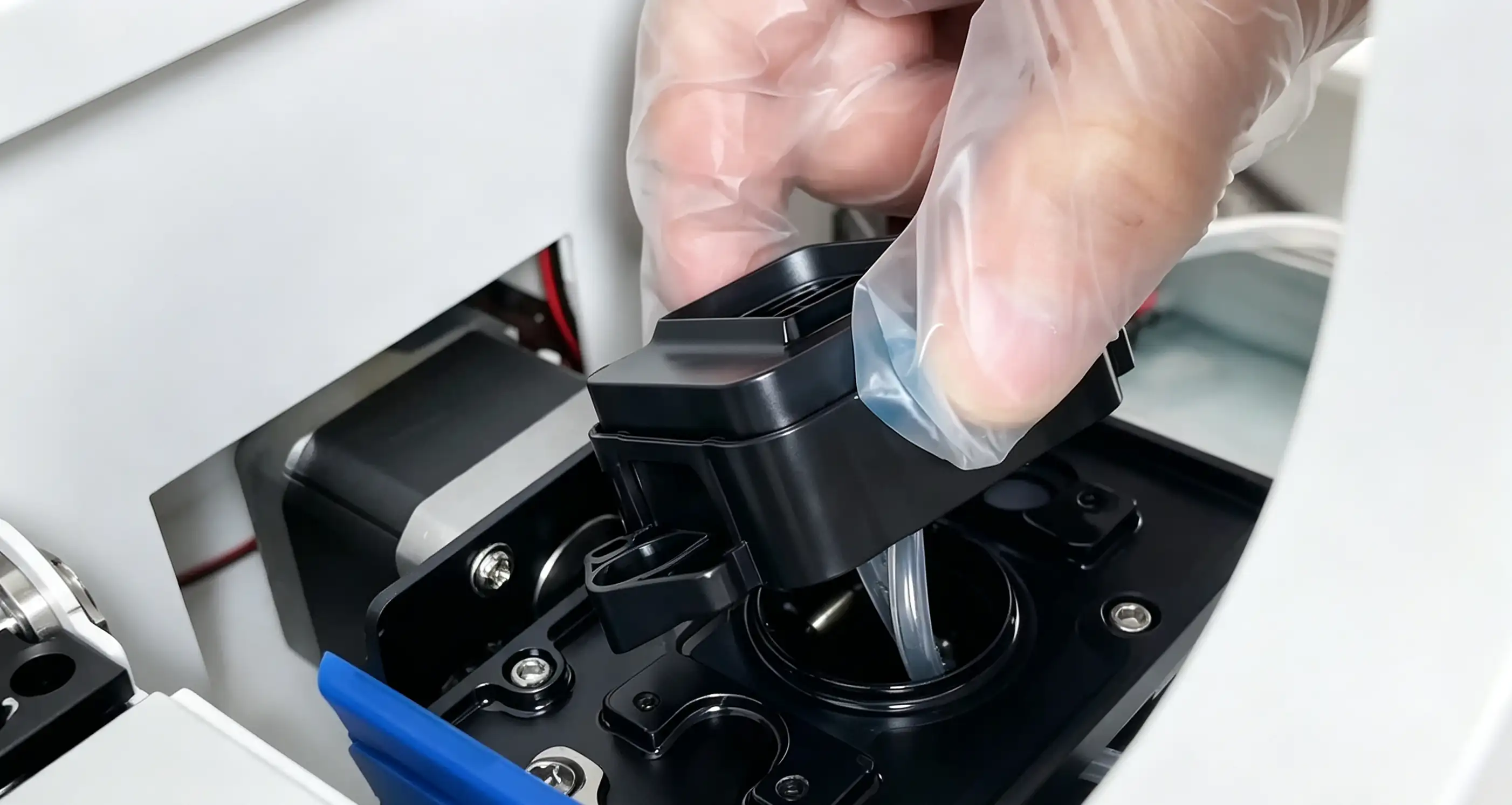
Step 1:Locate the ink pad and its connecting ink tubes.
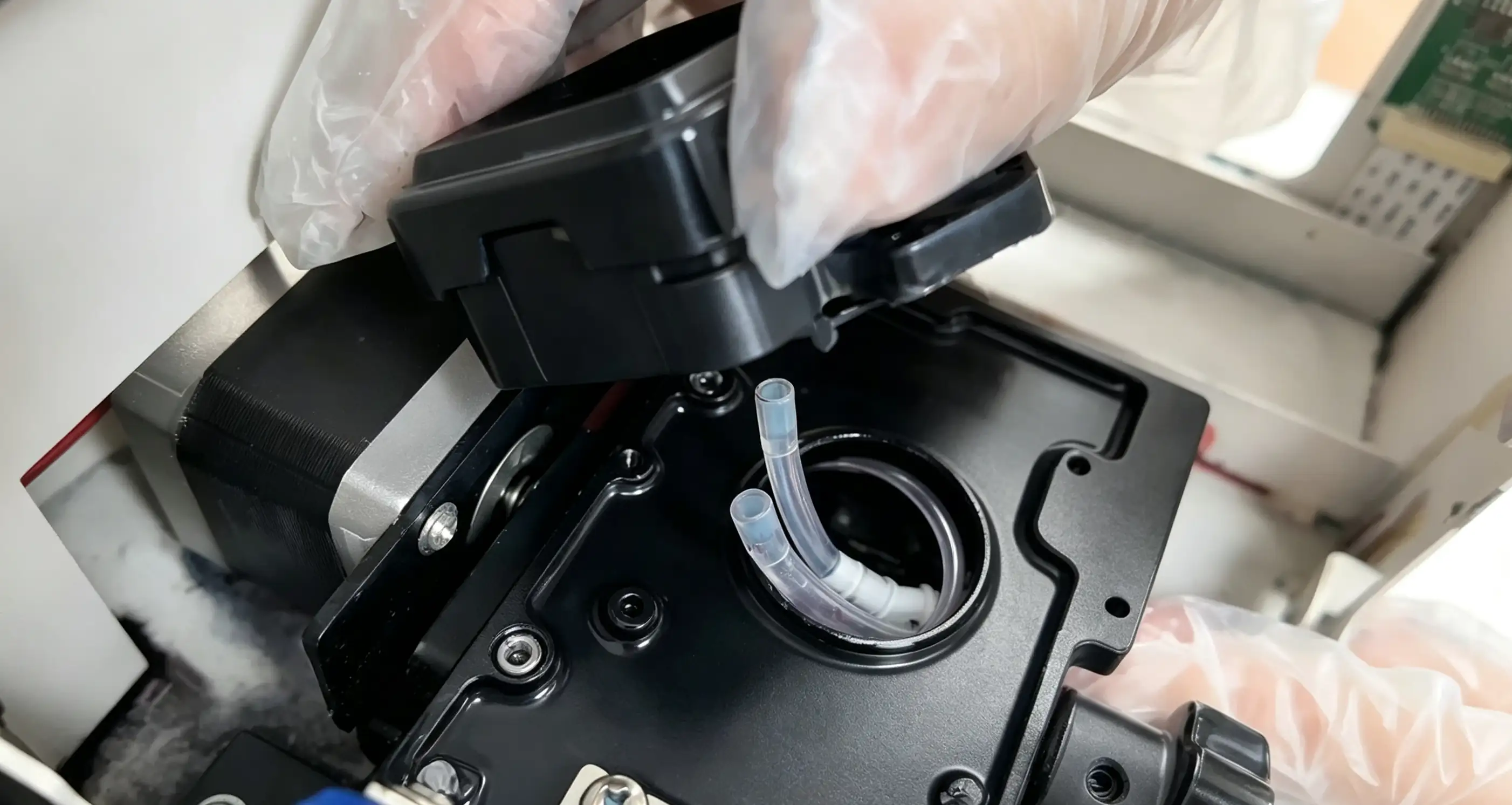
Step 2: Pull out the two ink tubes connected to the bottom of the ink pad.
¶ Install the new ink pad
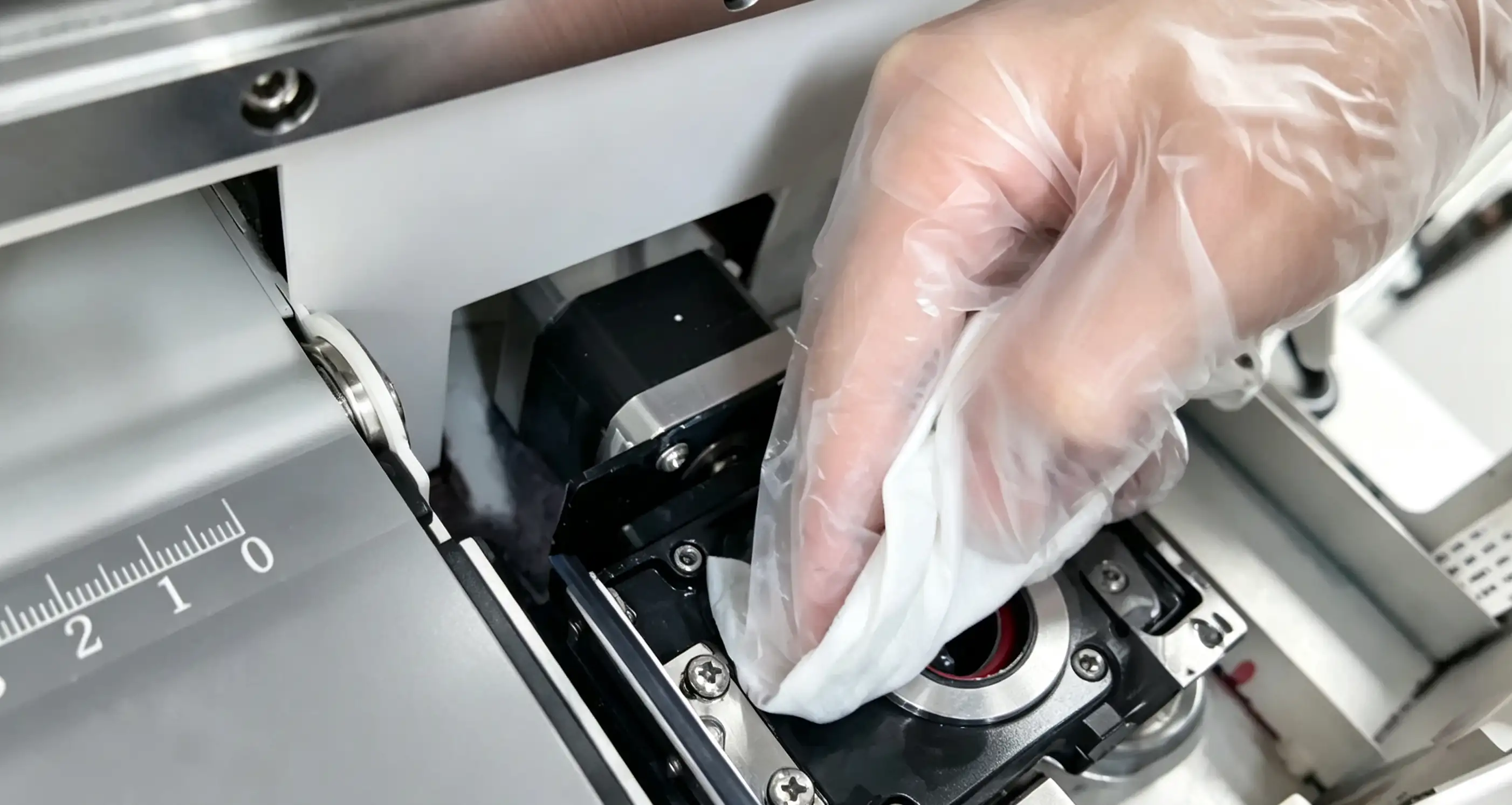
- After removing the ink pad, wipe the bottom bracket of the ink pad clean with a non-woven cloth.
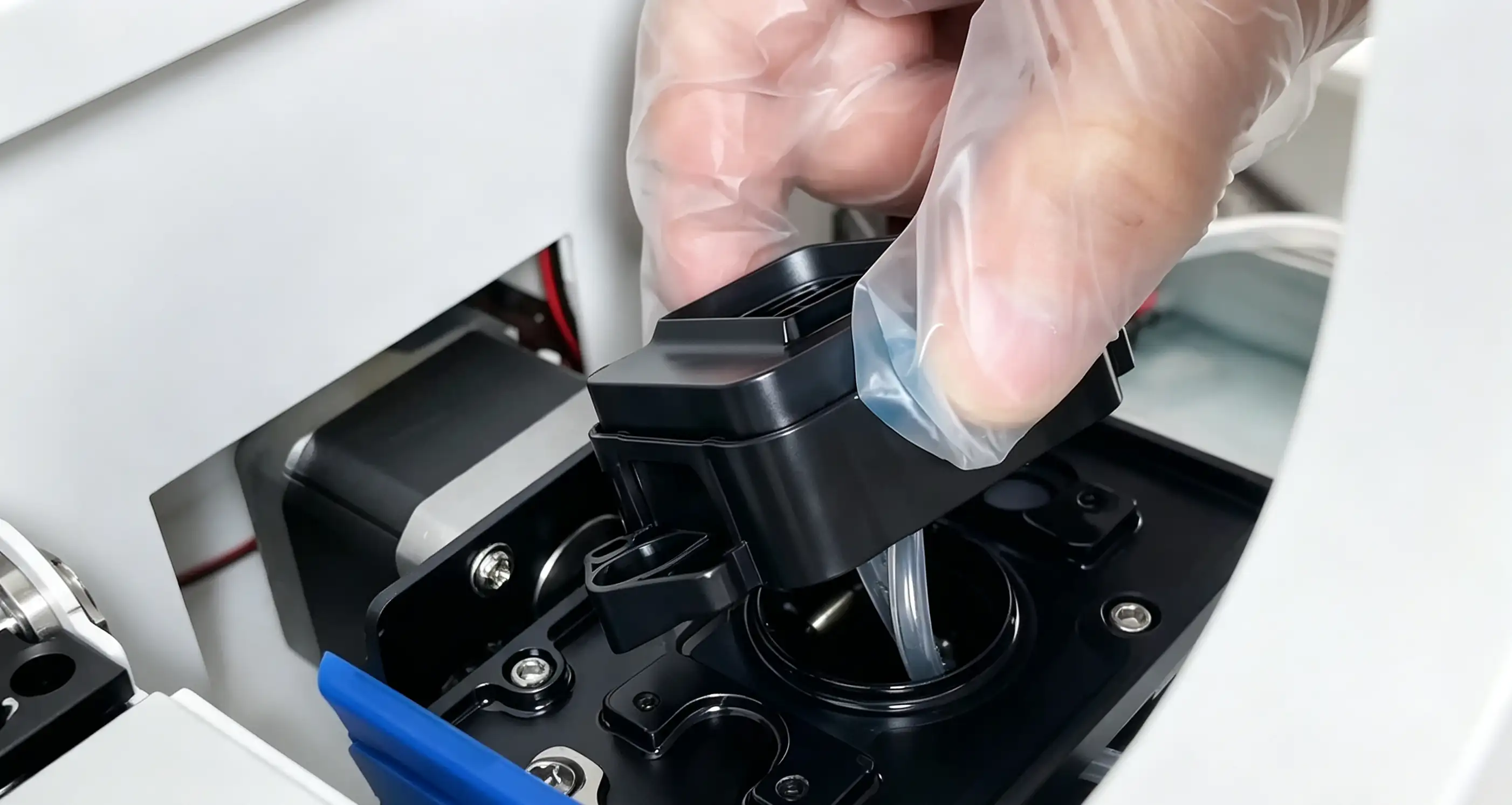
- Insert the two ink tubes into the new ink pad and place the ink pad in the corresponding position on the holder. (Make sure the ink tubes are fully inserted to prevent ink leakage.)
- Use a Phillips screwdriver to tighten the four screws securing the ink pad. After replacement, reconnect the power supply; the print head will automatically reset.