The ink stack is a critical component in DTF printers responsible for sealing and maintaining moisture after the print head returns to its home position. Accumulation of ink, debris, or dried residue inside the ink stack can lead to poor sealing, resulting in clogged or dried print heads. Regular cleaning of the ink stack is a fundamental operation to ensure the longevity of the print head.
¶ Surface Cleaning
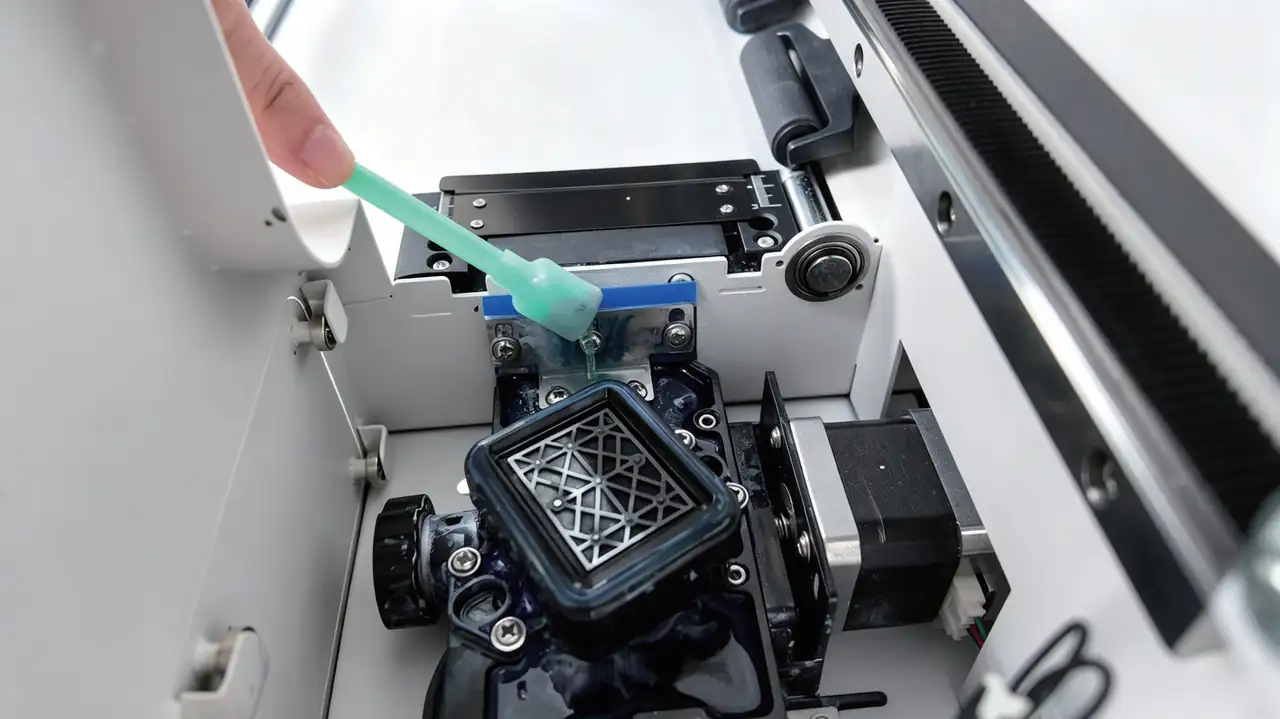
- Use a sponge rod dipped in cleaning solution to gently wipe along the circular path of the rubber ring, removing surface ink stains and debris.
- The inner side and top contact surface of the rubber ring must be thoroughly cleaned, as these are critical areas for proper sealing against the print head.
¶ Internal Cleaning
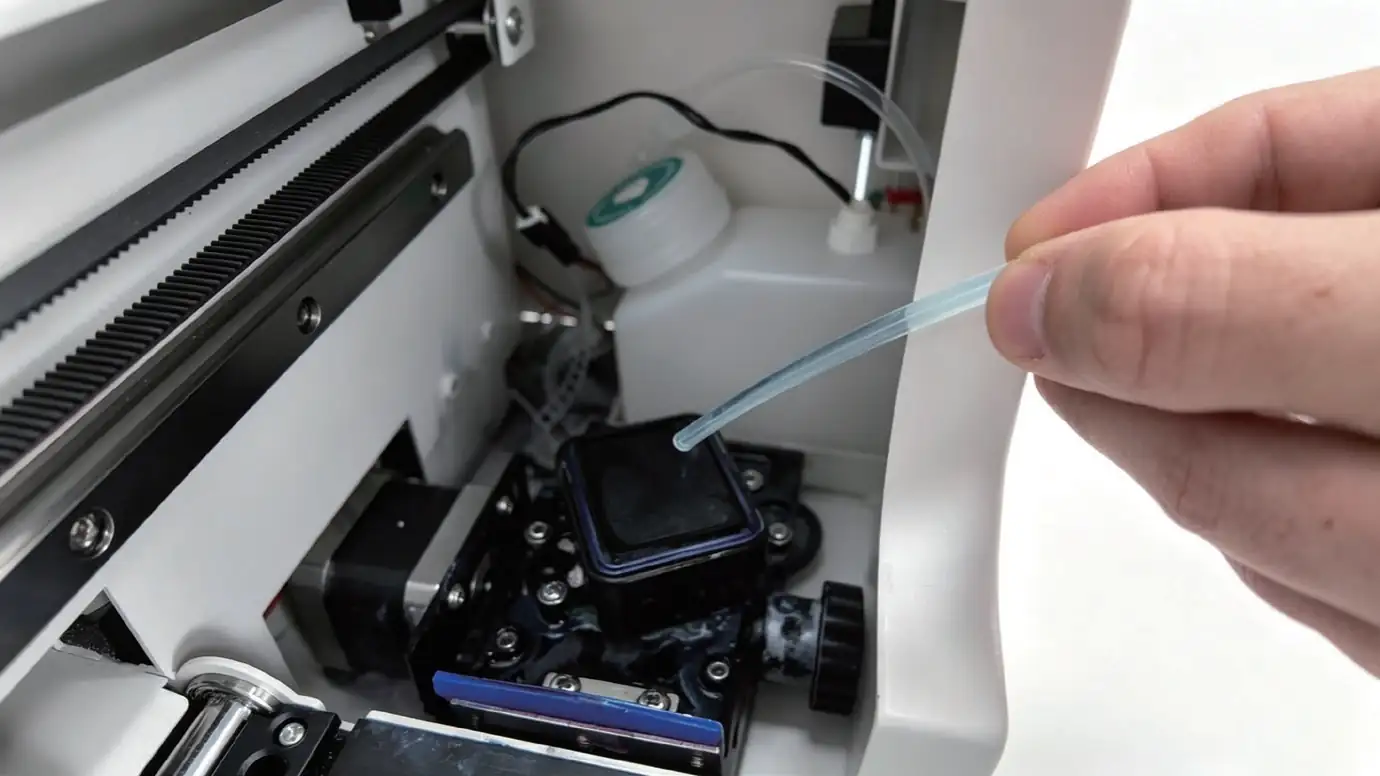
- If the moisturizing pad is soiled, slowly inject a small amount of cleaning solution using a syringe. Soak it and gently press with a sponge rod to extract the dirty liquid. Repeat 2–3 times until the extracted liquid becomes clear.