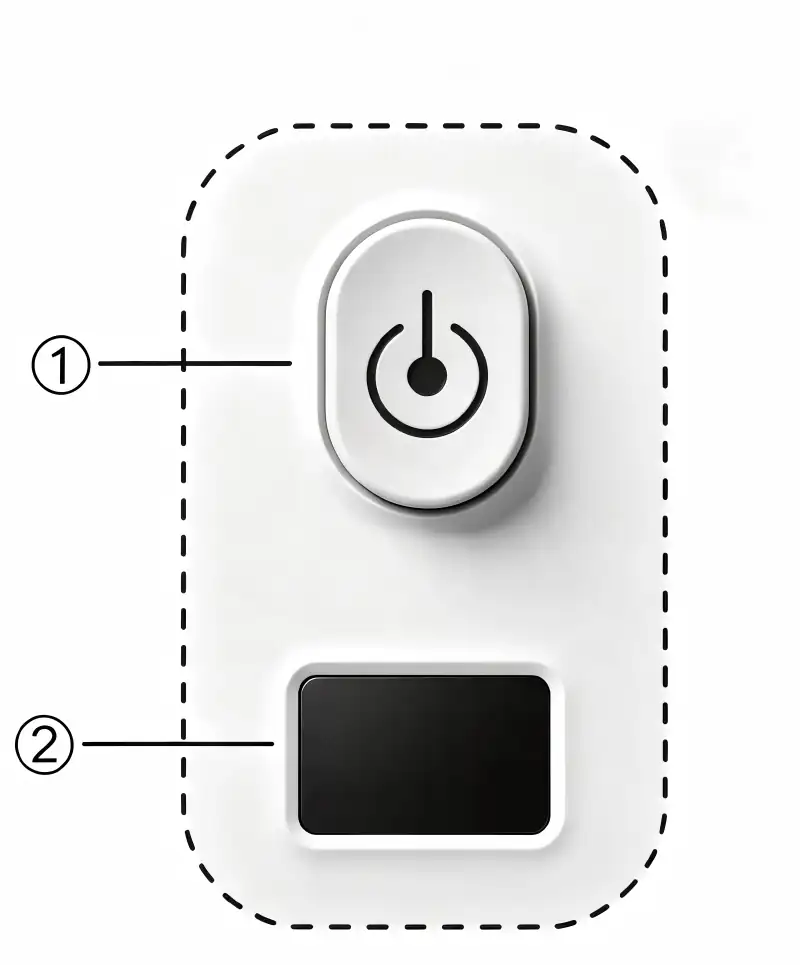
¶ Glance Features
① Power Switch/Temperature Settings Key
Short press this button to turn on, long press for about 4 seconds to turn off the power.
When powered on, the power indicator light is red. When the temperature reaches the set temperature, the power indicator light will be green.
When powered on, press this key for a short period of time to cycle through the target temperature settings:
Degree Centigrade:
40→60→80→100→125→130→140→145→150→155→165→170→185→205→40→60 (°C)
Fahrenheit Degree:
100→140→175→210→255→270→280→290→305→315→330→340→365→400→100→140 (°F)
LED Display has 2 functions:
1. The LED digital display will display the temperature of heating panel without key operation.
2. The LED digital display will display target temperature setting with key operation.