¶ Specifications
¶ DTF Cleaning Solution Usage Guidelines
¶ 1. Product Purpose
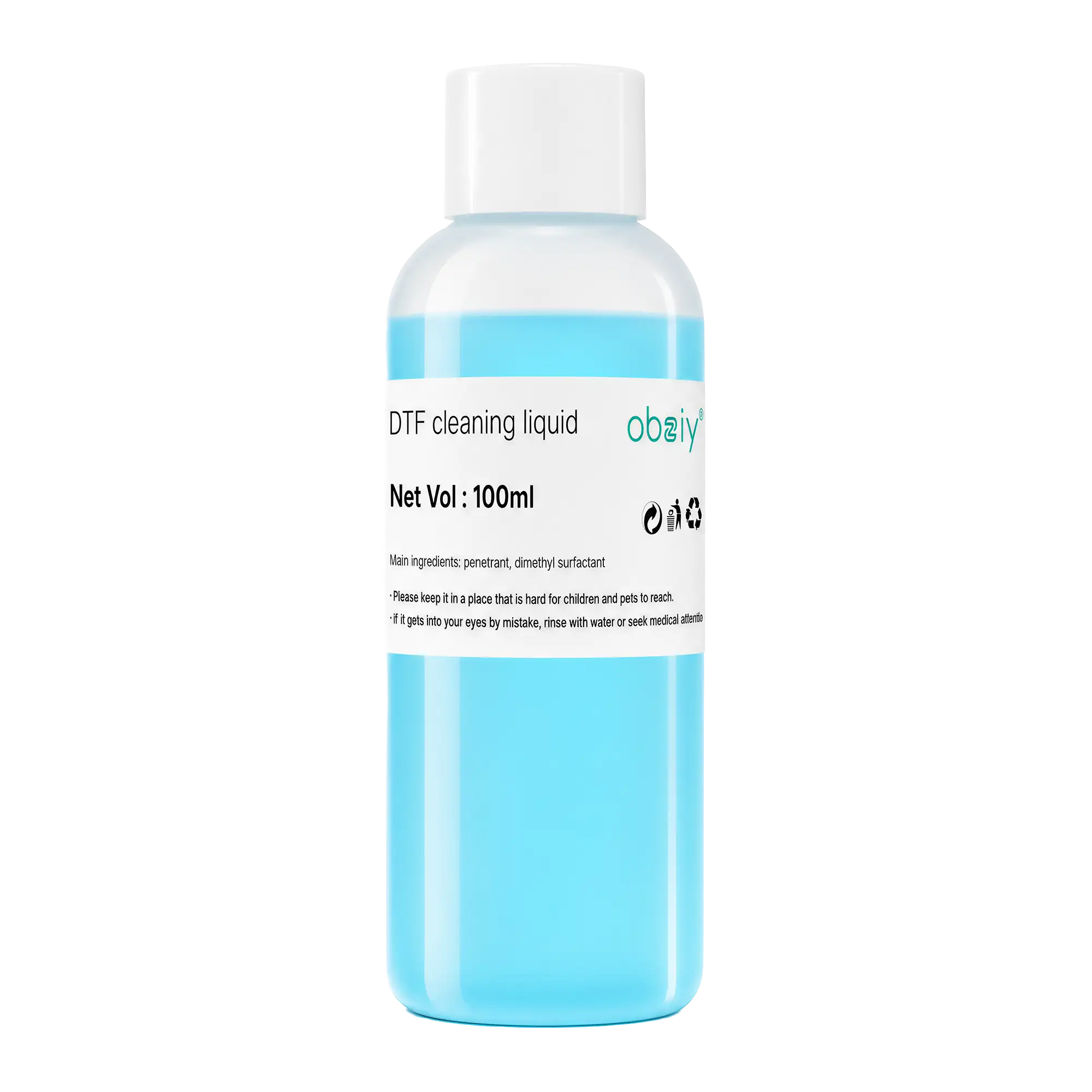
- DTF cleaning solution is specifically designed for daily maintenance and cleaning of DTF (Direct To Film) printing equipment. It effectively removes ink residue, dried ink stains, and impurities generated during the printing process, helping to keep components such as print heads, ink delivery systems, wipers, and capping stations clean, thereby ensuring consistent print quality.
- Proper use of cleaning solution can effectively reduce:
- Nozzle clogging
- Ink interruption or missing color
- White ink buildup
- Abnormal printing results
- Equipment downtime for maintenance
¶ 2. Pre-use precautions
Before using DTF cleaning solution, please follow the requirements below:
✅ Confirm that the cleaning solution model matches your printing device and ink type before use.
✅ Wear protective gloves during operation to avoid prolonged skin contact.
✅ Use dedicated cleaning tools such as lint-free swabs or non-woven cloths; avoid common paper towels or materials that shed fibers.
✅ Prevent liquid from entering electronic components such as circuit boards and motors during cleaning.
✅ Follow the manufacturer's maintenance instructions strictly.
¶ 3. Daily Maintenance Procedures
3.1 Cleaning the Print Head Surface
- Applicable to:
- Ink residue on the print head surface
- Minor line missing during nozzle test
- Maintenance required after prolonged printing
- Steps:
- Turn off the printer and enter maintenance mode.
- Apply a small amount of cleaning solution onto a lint-free cotton swab or dedicated cleaning tool.
- Gently wipe away any residual ink from the print head surface.
- After cleaning, wait for the surface to dry completely before performing nozzle inspection.
⚠️ Note: Do not use hard objects to scratch the print head. Do not press hard on the nozzle area of the print head.
3.2 Cleaning the Ink Pad (Capping Station)
- Applicable to:
- Ink pad accumulates excessive ink
- Automatic cleaning performance decreases
- Print head fails to properly return ink
- Steps:
- Move the print head to the maintenance position.
- Use cleaning solution to remove residual ink from the ink pad area.
- Check whether the ink pad's ink absorption capability is normal.
- Run nozzle check after cleaning.
3.3 Wiper Cleaning
- After prolonged use, the scraper blade may accumulate dry ink, which could lead to:
- Print head contamination
- Nozzle clogging
- Decline in print quality
- It is recommended to regularly use cleaning solution to remove ink stains from the blade and keep the blade surface clean.
¶ 4. Deep Cleaning Usage Guidelines
- Deep cleaning can be performed when the following conditions occur:
- Nozzle missing in large numbers
- White ink fails to output properly
- Restarting after prolonged shutdown
- Ink path clogged
- Operating requirements:
- Use the specified DTF cleaning solution for treatment.
- Follow the equipment instructions for rinsing or soaking.
- A nozzle test must be performed after cleaning.
- If the issue cannot be resolved, please contact us.
⚠️ Frequent strong cleaning is not recommended to avoid ink waste or damage to device components.
¶ 5. Prohibited Items
The following actions may cause damage to the printing device:
- Do not use alcohol, general-purpose cleaners, or glass cleaners as substitutes for DTF-specific cleaning solution.
- Do not mix cleaning solutions from different brands or models.
- Do not leave the cleaning solution exposed to air for extended periods.
- Do not pour large amounts of cleaning solution directly into the printing equipment.
- Do not use contaminated or expired cleaning solution.
¶ 6. Storage Requirements
- DTF cleaning solution should be stored under the following conditions:
- Keep sealed in original packaging
- Store in a cool, dry place
- Avoid direct sunlight
- Avoid high temperatures
- Do not store with food or beverages
- Recommended storage temperature:
- 10°C–30°C
- Before long-term storage, please ensure the bottle cap is properly sealed.
¶ 7. Safety Precautions
- If any of the following situations occur:
- Skin contact:
- Clean the contact areas with clean water.
- Eye contact:
- Rinse immediately with plenty of water and seek medical advice as needed.
- Ingestion:
- Do not induce vomiting on your own; seek professional help immediately.
- The environment should be well-ventilated.
¶ 8. Maintenance Recommendations
- To ensure the long-term stable operation of DTF printing equipment:
- Perform basic cleaning after daily production.
- Conduct moisture maintenance before prolonged shutdowns.
- Regularly inspect the print head, ink pad, and scraper condition.
- Establish a periodic maintenance schedule based on printing volume.
- Good cleaning and maintenance habits can help extend the printhead's lifespan and maintain consistent print quality.