¶ Download & Connect ZRIP Software
¶ Obtain ZRIP Software
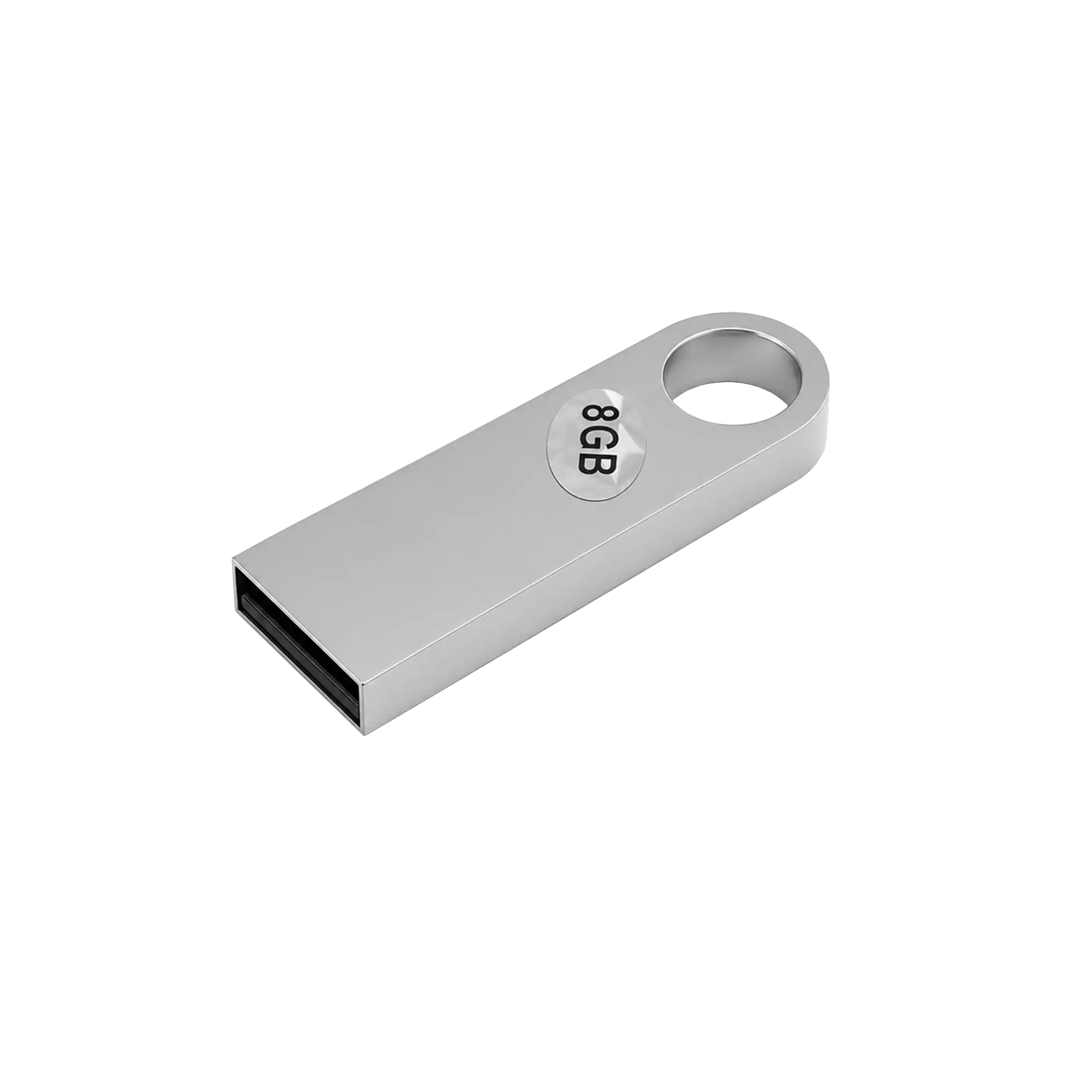
- The USB flash drive included with the printer contains ZRIP software; please store it properly. Insert the USB drive into your computer to install the software.
⚠️NOTE: Antivirus programs may misidentify the file as malware and delete it. Disable antivirus software, firewalls and similar applications before inserting the USB drive.
- Visit https://www.obziy.com/pages/download-center to download and install the official ZRIP software.
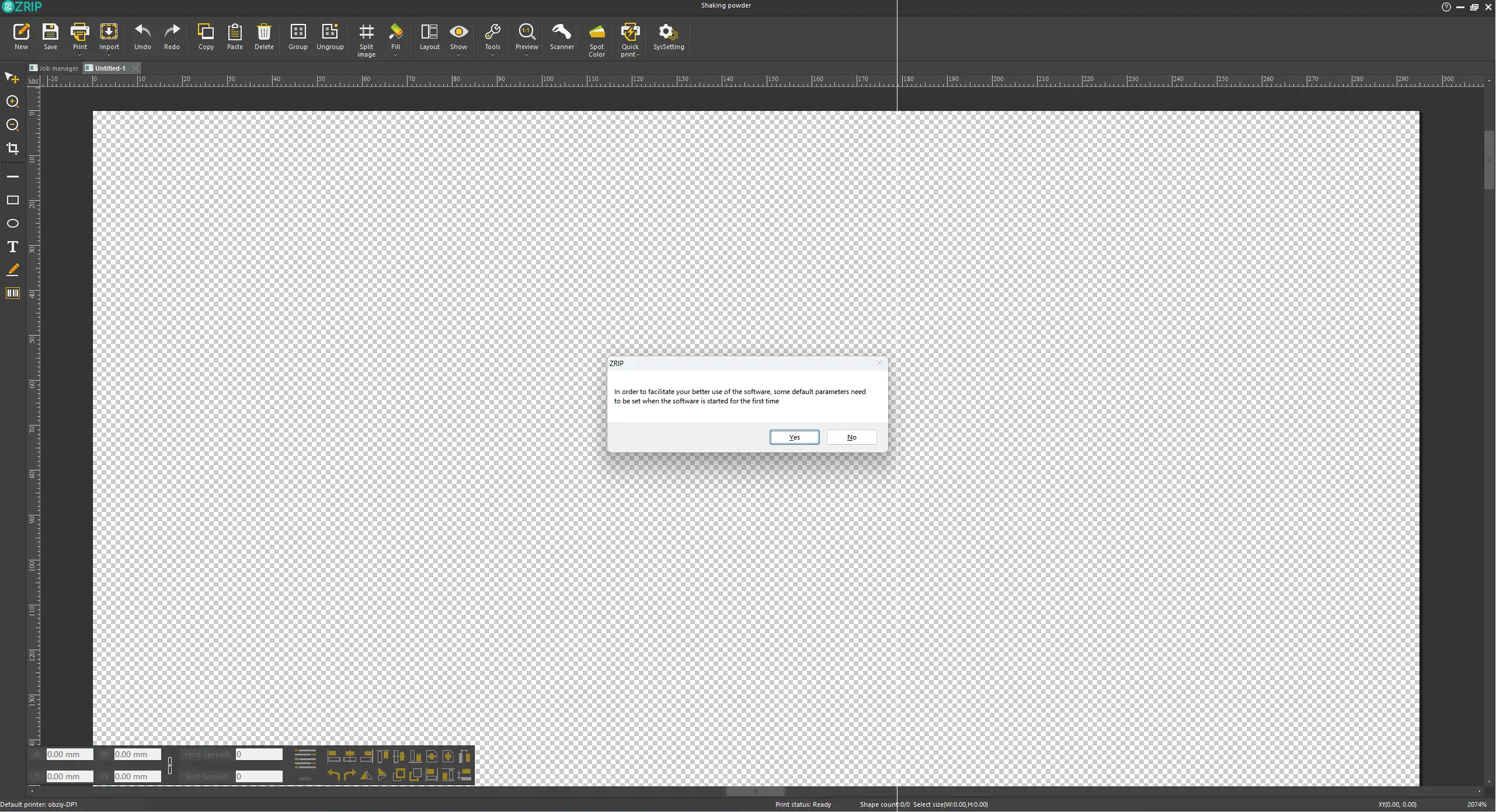
- Complete the initial software setup following on-screen prompts.
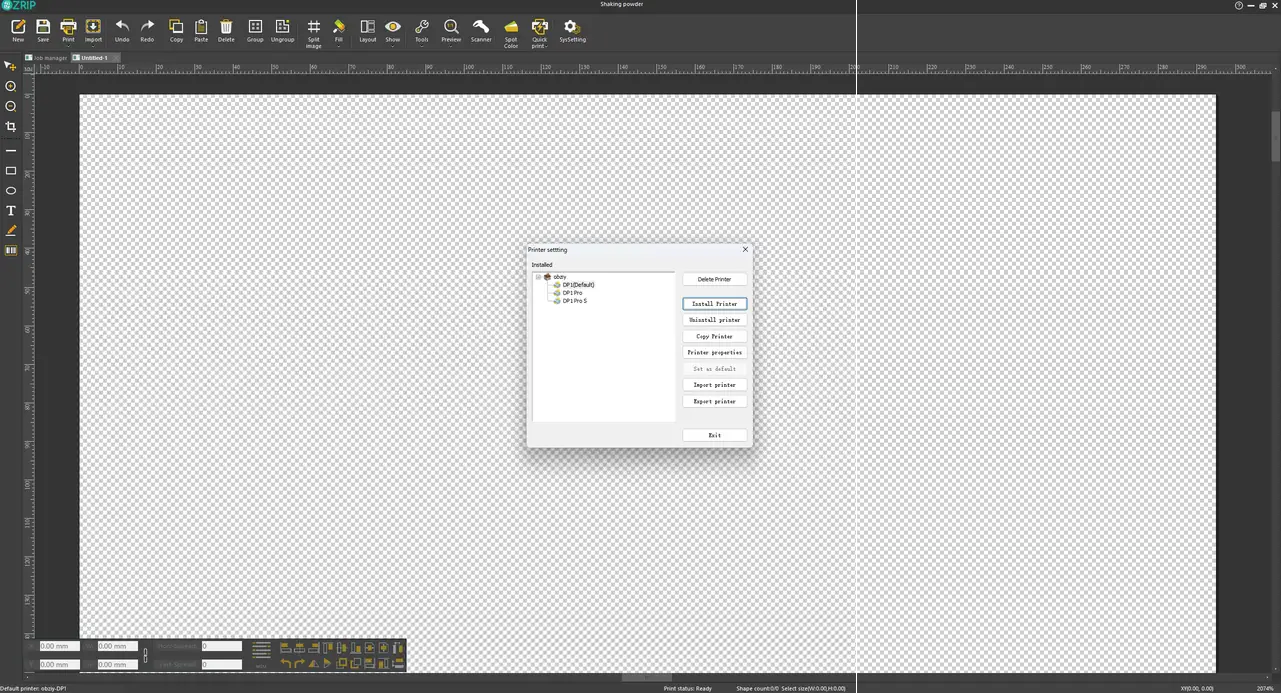
- Select your printer model and set it as the default printer.
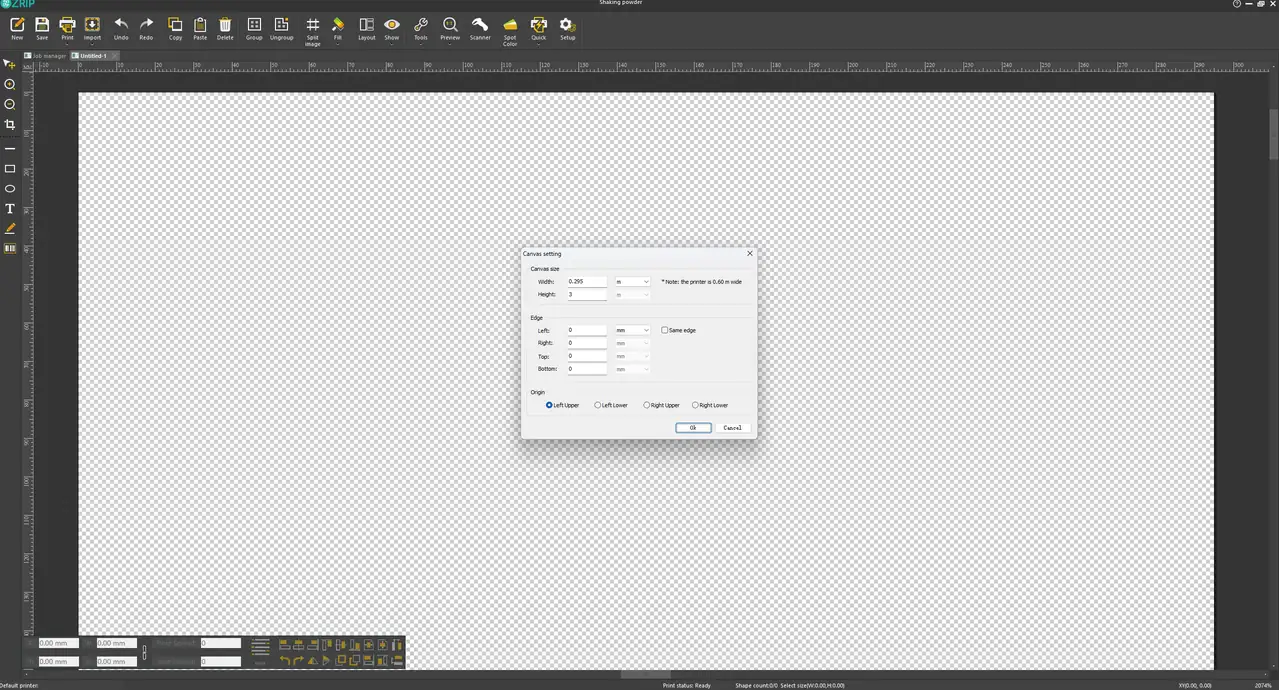
- Set canvas width: The default value for 11.8-inch film is 0.295m; manually enter 0.38m for 15-inch film, then click Confirm.
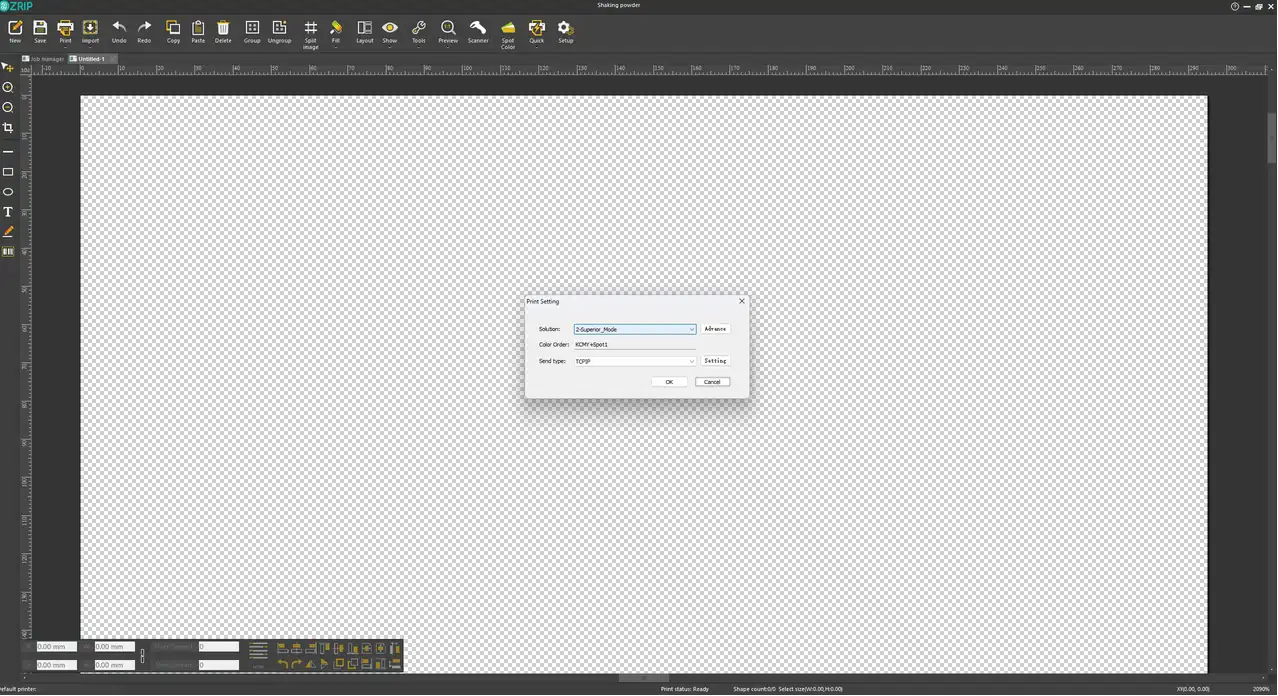
- Set print mode and transmission type. Recommended configuration: Superior Mode, TCPIP file transmission type.
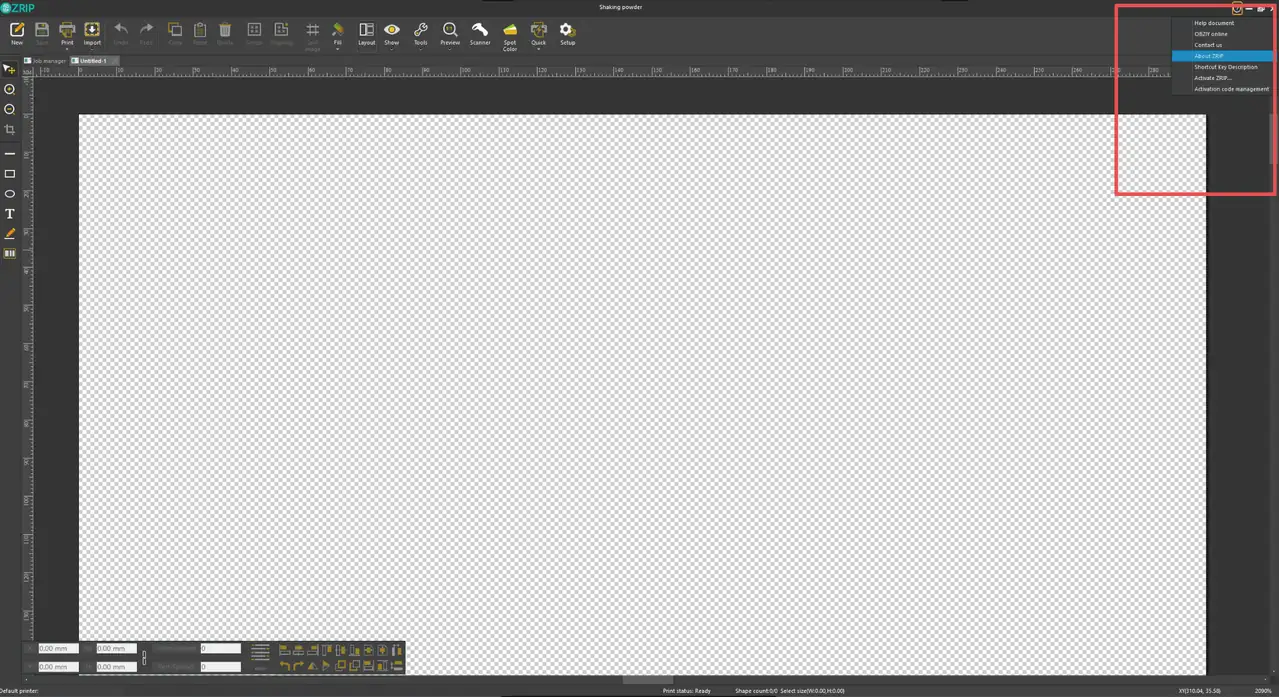
- Activate ZRIP: Click the question mark icon in the top-right corner and select Activate ZRIP.
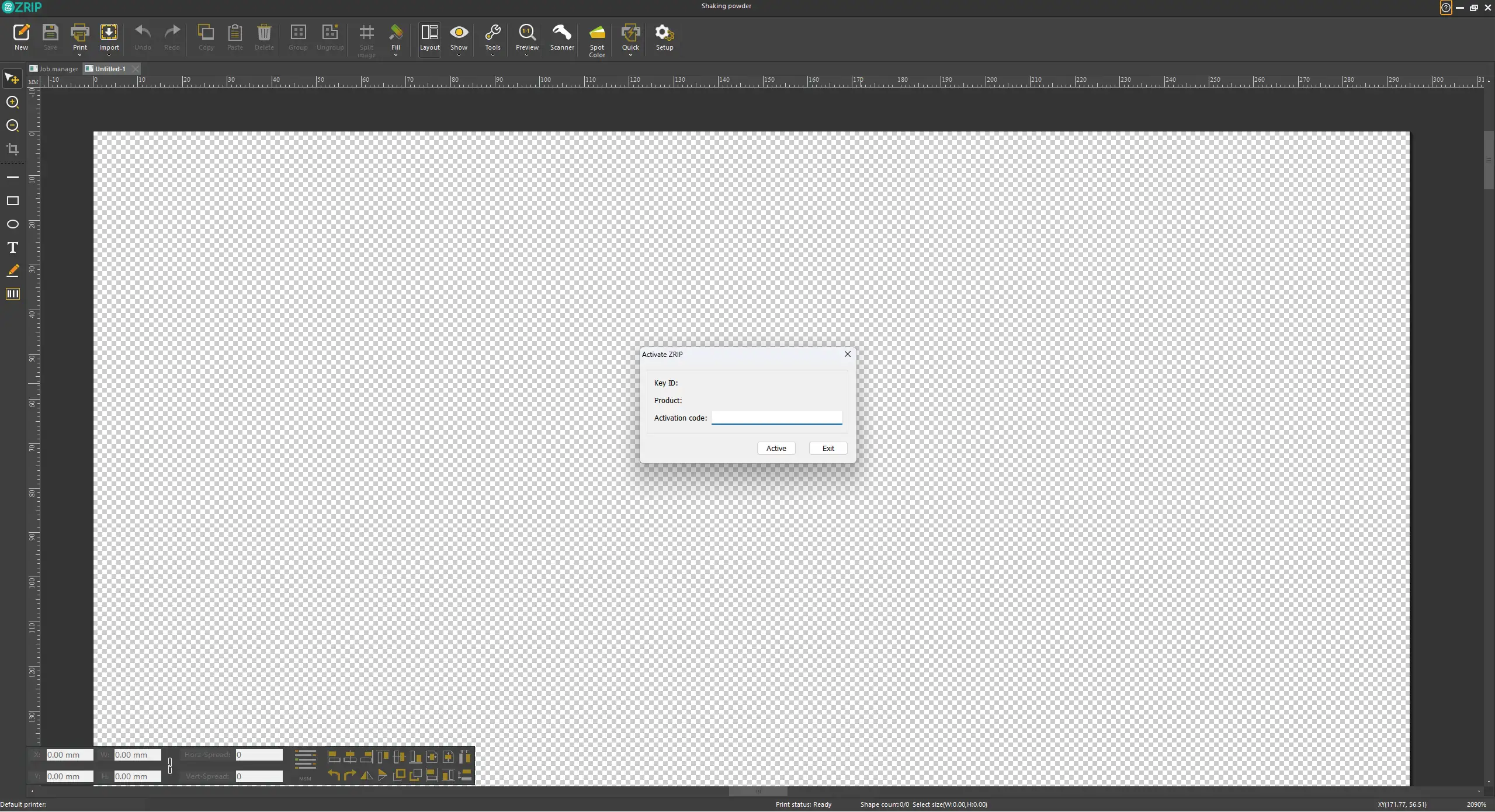
- Enter the activation code and click Activate; a prompt will pop up to confirm successful activation.
Activation code is printed on the nameplate at the rear of the printer and the plastic bag of the USB flash drive.
¶ Connect ZRIP DTF Intelligent Garment Printer to Computer
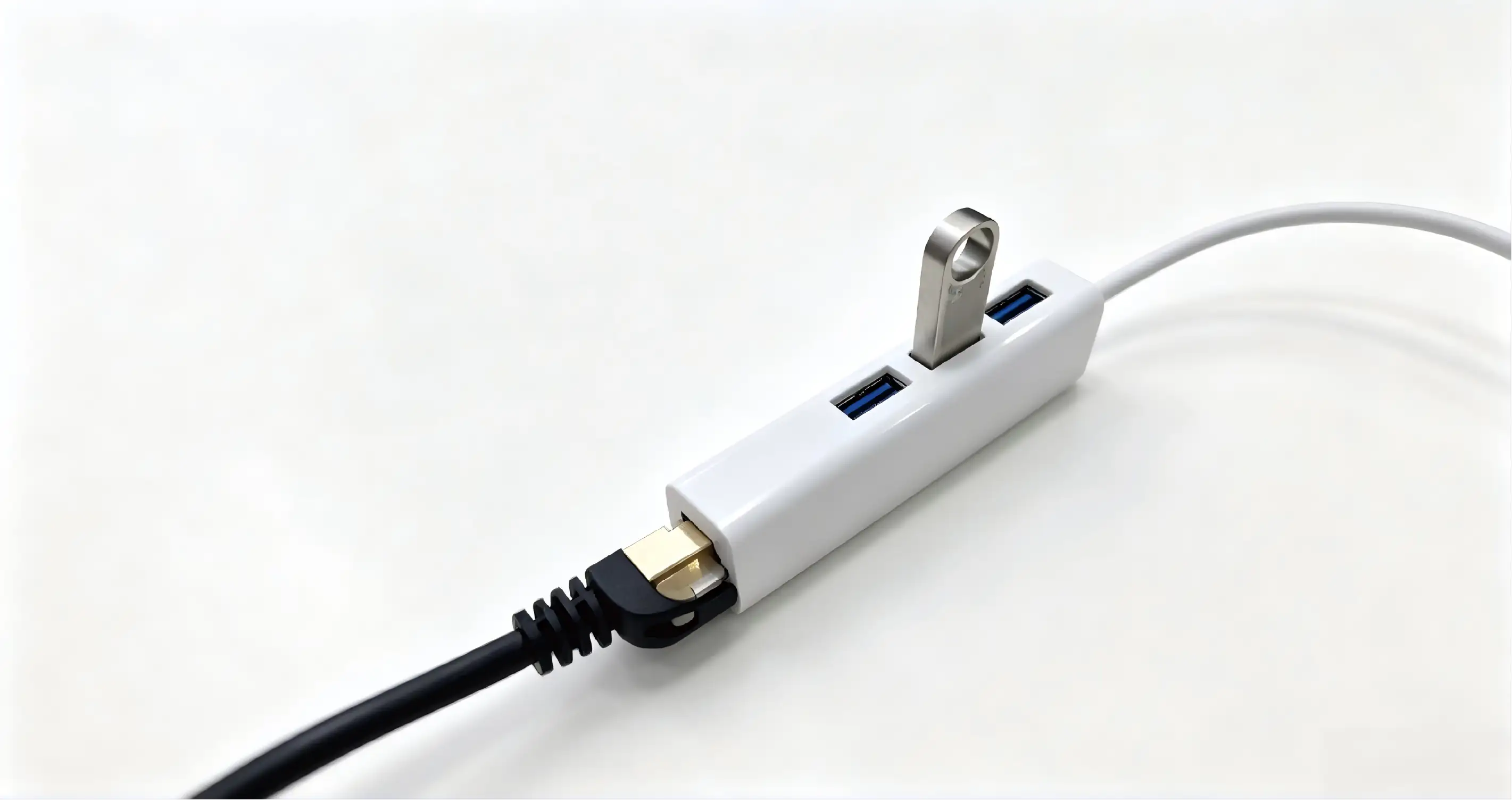
- Plug one end of the Ethernet cable into the printer and the other end into the Gigabit Ethernet port of your PC. If your computer does not have this port, use the included Type-C adapter.
- The printer will automatically connect to the computer after the Ethernet cable is plugged in. Click Settings to enter the corresponding interface; a green connection icon in the lower-left corner indicates a successful connection (red means disconnected).
- Automatic connection may fail due to compatibility issues. You need to manually configure your computer’s IP address to establish a connection.
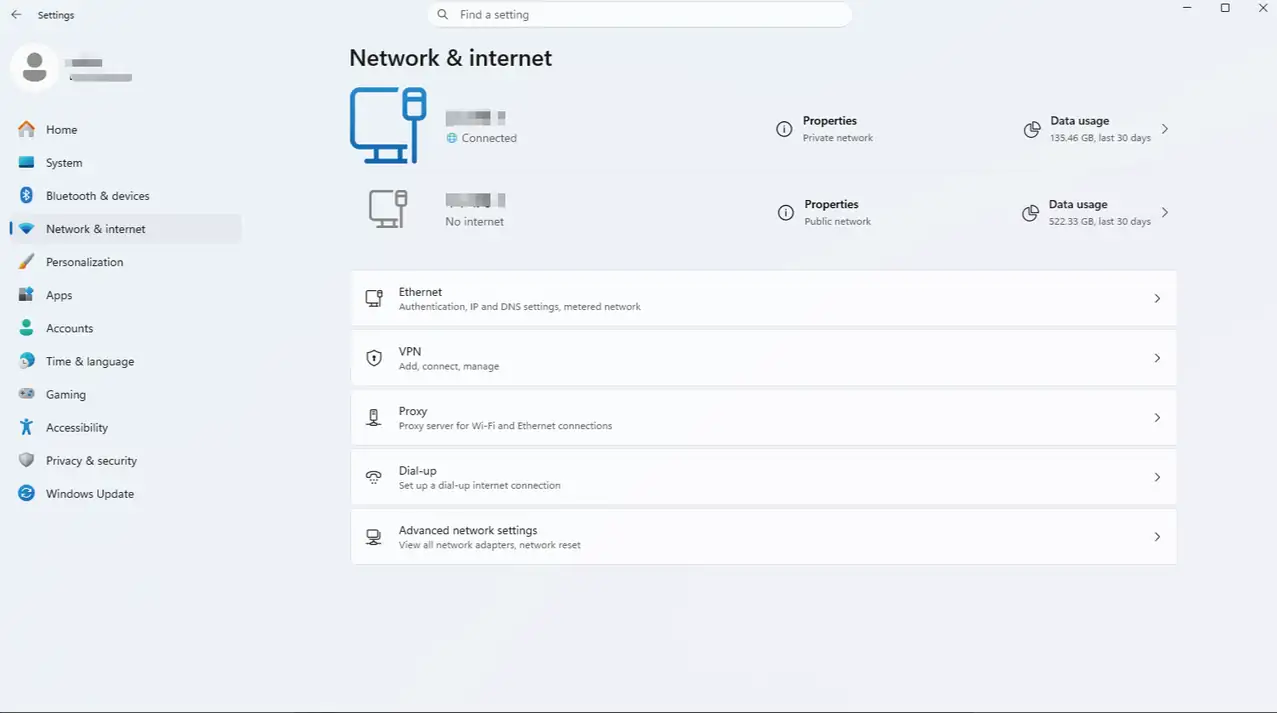
Step 1: Open PC Settings
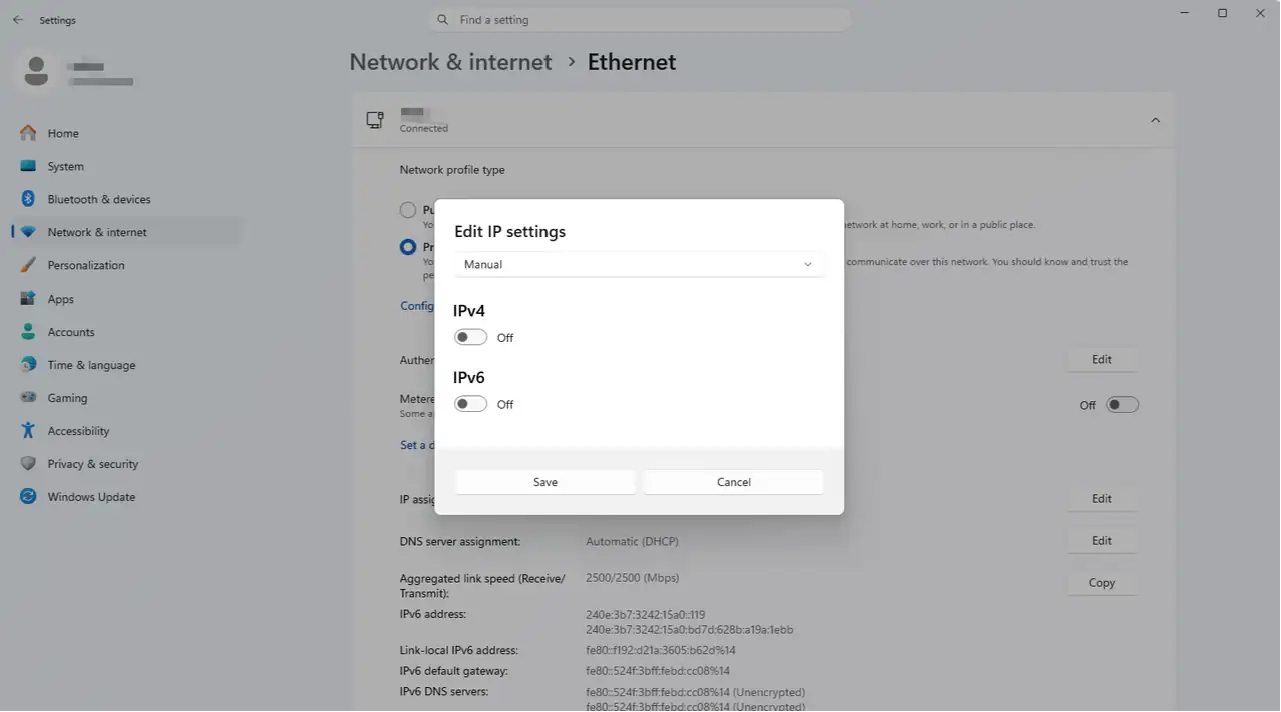
Step 2: Network & Internet
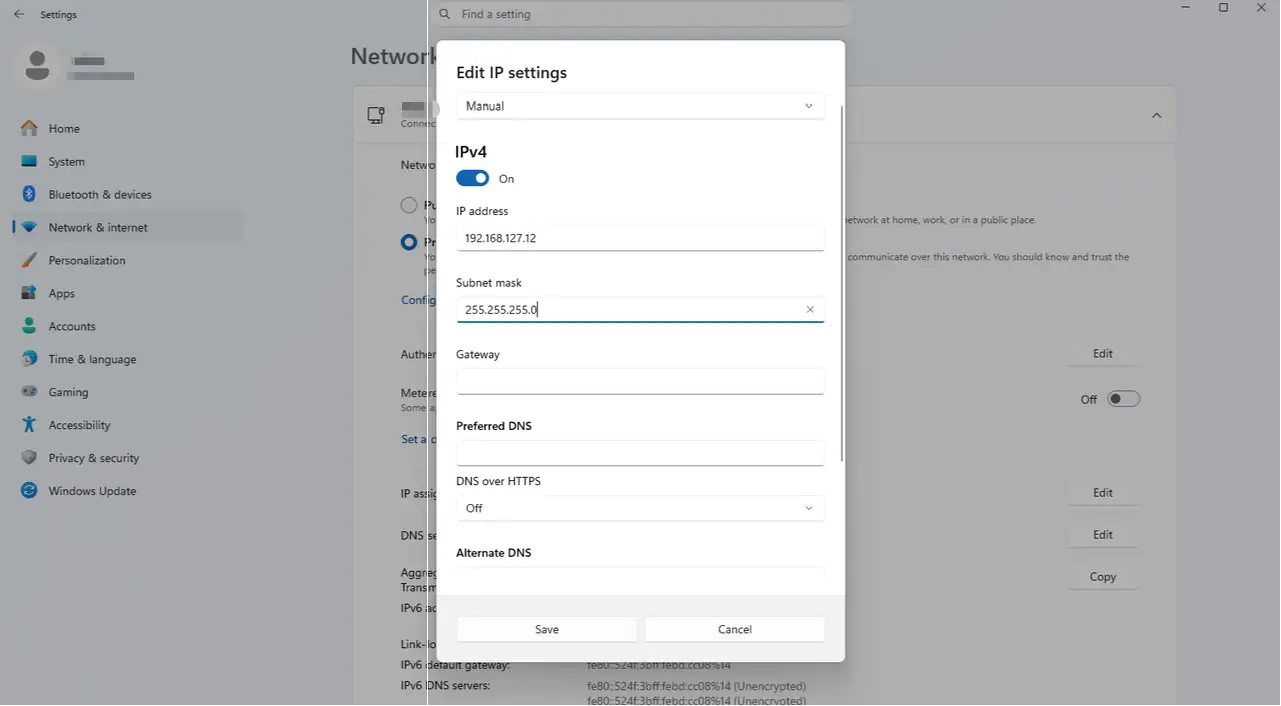
Step 3: Ethernet
- Configure the computer IP and confirm the Ethernet cable between the printer and PC is securely connected:
- Open PC Settings > Network & Internet > Ethernet.
- 1Set the computer’s IP address to 192.168.127.12, and the subnet mask to 255.255.255.0.
When connecting the printer to the computer via an Ethernet cable, two Ethernet icons will appear on the computer. Only modify the settings of the disconnected Ethernet adapter.